10 Basic Exercises for a Beginner UAV Operator (and How to Practice Them in a Simulator)
26 April 2026
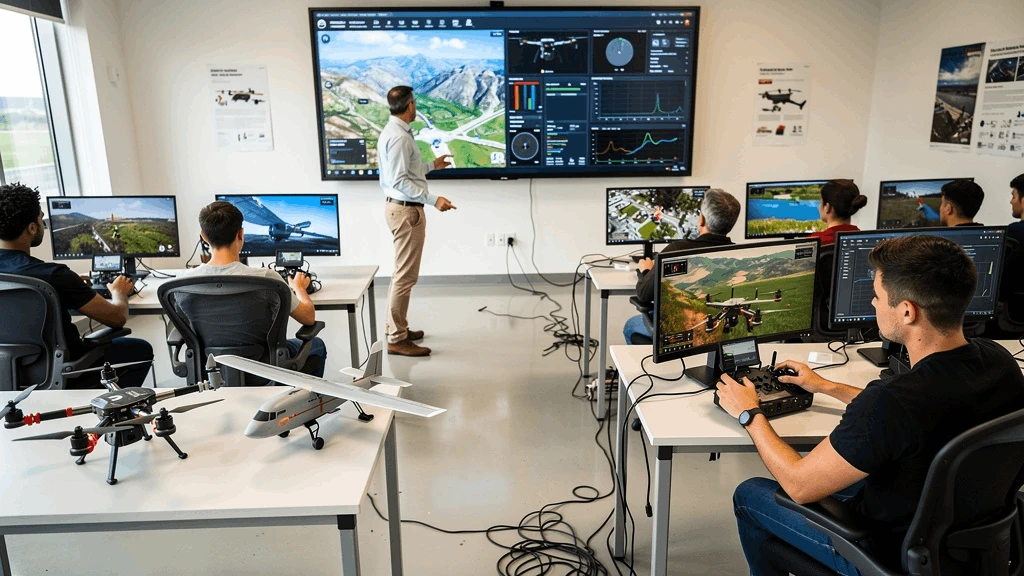
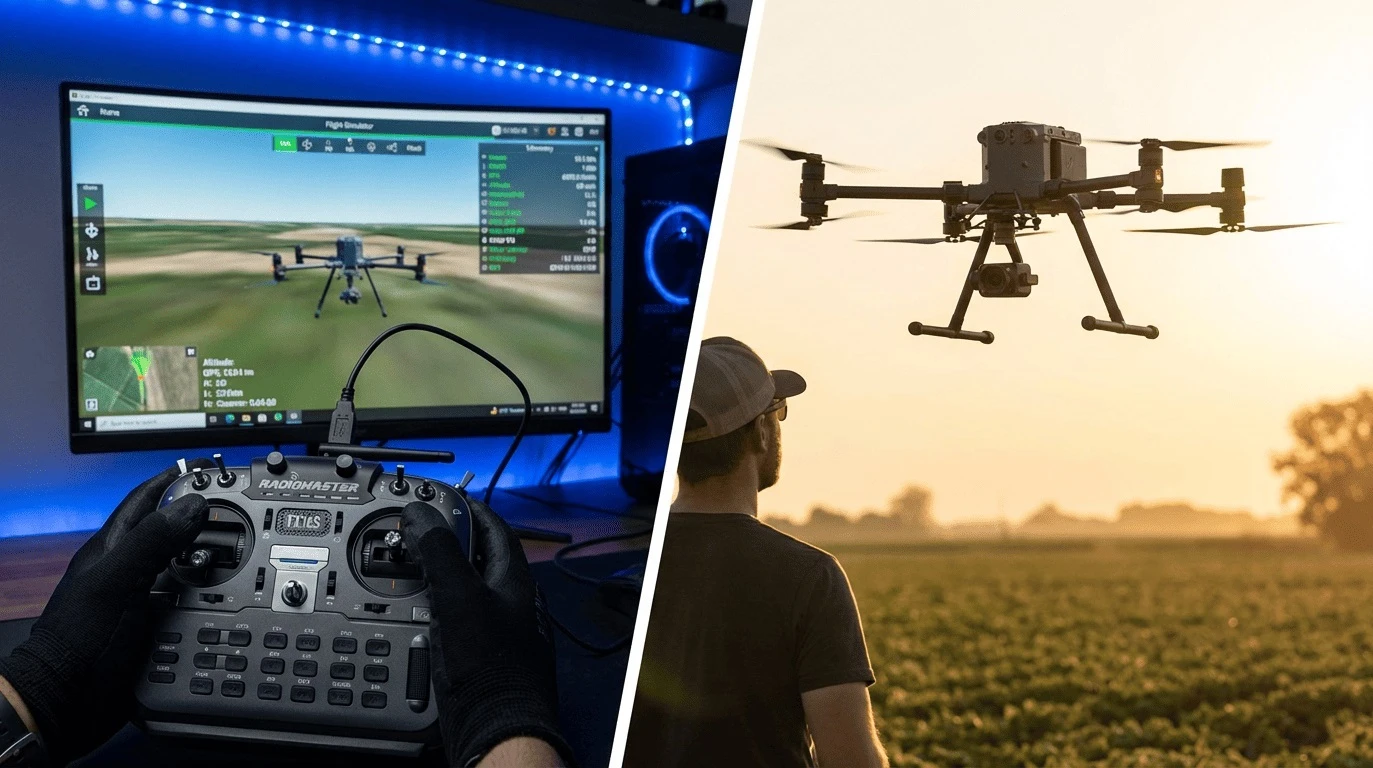
Piloting an Unmanned Aerial Vehicle (UAV) is a skill that demands high coordination, spatial awareness, and an understanding of flight physics. For a beginner operator, the first flight in real conditions can be stressful, carrying the risk of losing or damaging expensive equipment. That is why training always begins in a virtual environment.
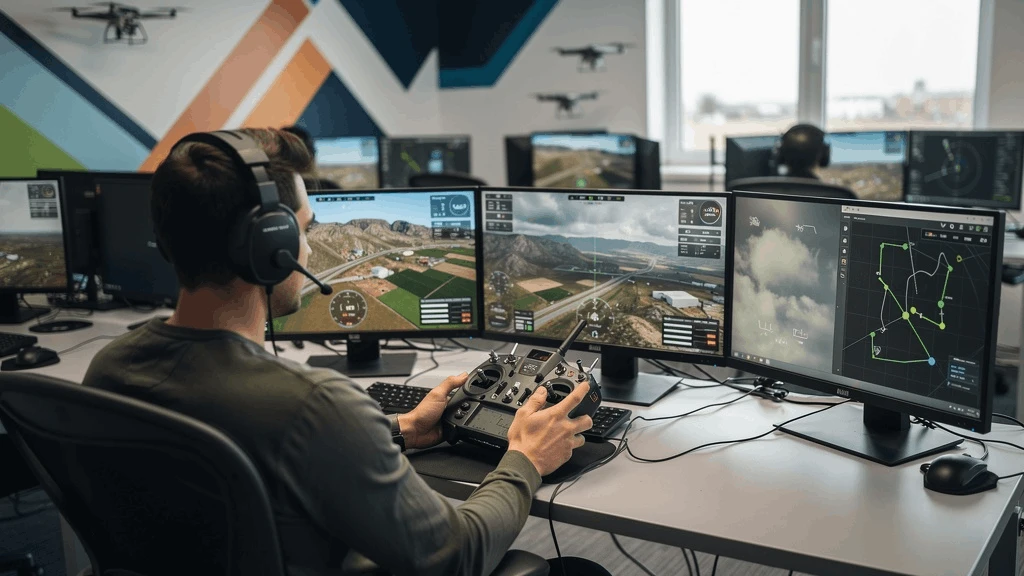
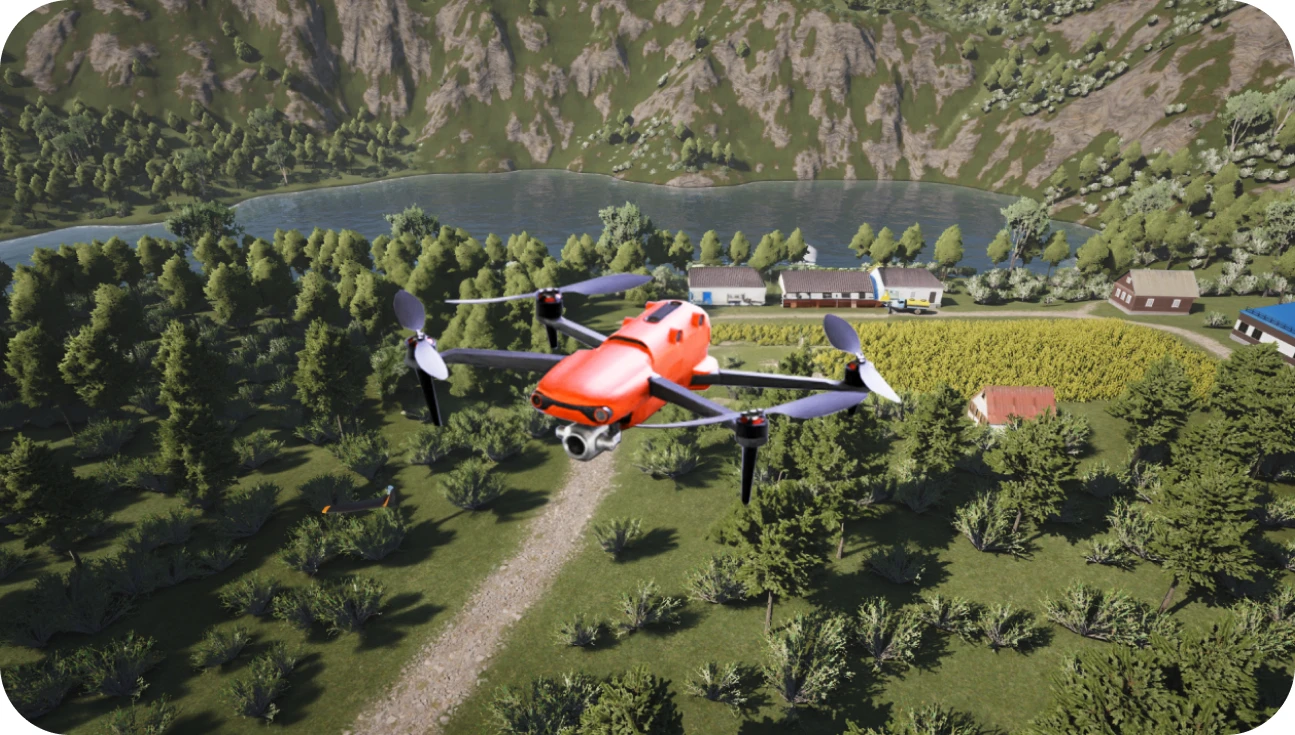
The UAVProf Drone Simulator provides realistic flight physics and allows you to practice basic skills without any risk to your hardware. In this article, we will look at 10 basic exercises that will help a beginner confidently pick up the controller and prepare for real-world flights.
Why Start Training in a Simulator?
Before moving on to the exercises, it is important to understand the value of virtual training:
Safety of equipment and bystanders. Mistakes in a simulator do not lead to broken drones or injured people.
Saving time and money. There is no need to wait for suitable weather, charge batteries, or look for an open area.
Building muscle memory. Repeated movements of the controller sticks build the automatism necessary for UAV control.
Practicing emergency situations. In a simulator, you can safely train for flights in strong winds, sensor failures, or loss of connection.
The UAVProf Drone Simulator offers various locations (from city blocks to forests) and drone types, making the training as close to reality as possible.
Exercise 1. Takeoff and Hovering
This is the very first and most important exercise. The goal is to learn how to smoothly lift the drone into the air and hold it at a constant altitude.
How to practice in the simulator:
1. Choose a location with an open space, such as "Basic Maneuvers. Takeoff and Landing".
2. Smoothly push the left stick (throttle) up to lift the drone off the ground.
3. Raise the UAV to a height of 2–3 meters (eye level).
4. Release the sticks (if the drone has position hold) or constantly adjust the position to keep the drone in one spot.
5. Hold the position for 30–60 seconds.
Exercise 2. Smooth Landing
Landing is one of the most difficult elements for beginners. It is crucial to learn how to land the drone without hitting the ground hard.
How to practice in the simulator:
1. From a hovering position at a height of 2–3 meters, begin to smoothly push the left stick down.
2. Monitor the descent speed. It should be steady.
3. At the moment of touchdown, pull the left stick all the way down to turn off the motors.
4. Repeat the exercise 10–15 times, aiming for a soft touchdown in the exact same spot.
Exercise 3. Forward and Backward Movement (Pitch Control)
After mastering hovering, move on to horizontal movement along the Y-axis.
How to practice in the simulator:
1. Raise the drone to a safe altitude.
2. Smoothly push the right stick (pitch) forward. The drone will tilt and fly forward.
3. Return the stick to the center to stop the drone.
4. Pull the right stick backward to return the drone to its starting point.
5. Make sure the altitude remains constant.
Exercise 4. Left and Right Movement (Roll Control)
This exercise is similar to the previous one, but the movement is along the X-axis.
How to practice in the simulator:
1. From a hovering position, smoothly push the right stick (roll) to the left.
2. Fly a few meters and stop.
3. Push the stick to the right to return the drone to its starting position.
4. Combine movements: fly a square (forward, right, backward, left) without changing the orientation of the drone's nose.
Exercise 5. Rotation Around Its Axis (Yaw Control)
Yaw control allows you to turn the nose of the drone in the desired direction.
How to practice in the simulator:
1. Hover in place.
2. Smoothly push the left stick (yaw) to the left. The drone will start rotating counterclockwise.
3. Make a full 360-degree turn and stop exactly in the starting position.
4. Repeat the rotation to the right (clockwise).
5. Try making 90 and 180-degree turns, locking the position.
Exercise 6. Flying a Square with Nose Rotation
This exercise combines movement and rotation skills. The goal is to fly a square trajectory, with the drone's nose always pointing in the direction of travel.
How to practice in the simulator:
1. Fly forward 10 meters.
2. Stop, turn the drone's nose 90 degrees to the right using the left stick (yaw).
3. Fly forward another 10 meters (this is now a rightward movement relative to the starting position).
4. Repeat the turns and movements until you return to the starting point.
5. Fly the square in the opposite direction.
Exercise 7. Figure-8 Flight
A classic exercise for practicing smooth control and coordination of both sticks.
How to practice in the simulator:
1. Choose two visual reference points (e.g., two trees or virtual cones).
2. Begin flying around them in a figure "8" trajectory.
3. The drone's nose should always point in the direction of travel (forward).
4. To execute turns, you must simultaneously use the right stick (roll) and the left stick (yaw).
5. Try to maintain a constant altitude and speed.
Exercise 8. Circling an Object (Point of Interest)
An important skill for aerial photography and object inspection. The drone must move in a circle while its camera always points to the center.
How to practice in the simulator:
1. Choose an object (a building, tower, or tree).
2. Fly to the desired distance and point the drone's nose at the object.
3. Start moving sideways (right stick — roll).
4. Simultaneously, smoothly turn the drone's nose in the opposite direction (left stick — yaw) to keep the object in the center of the frame.
5. Make a full circle in one direction, and then the other.
Exercise 9. Nose-in Hovering
The most common cause of crashes for beginners is losing orientation when the drone is facing the pilot. In this position, the controls are inverted: moving the stick to the right will make the drone fly to the left (relative to the pilot).
How to practice in the simulator:
1. Turn the drone 180 degrees (camera facing you).
2. Try to hold the position, compensating for wind drift.
3. Make small movements left-right and forward-backward.
4. Then try flying a simple route (a square) in this position.
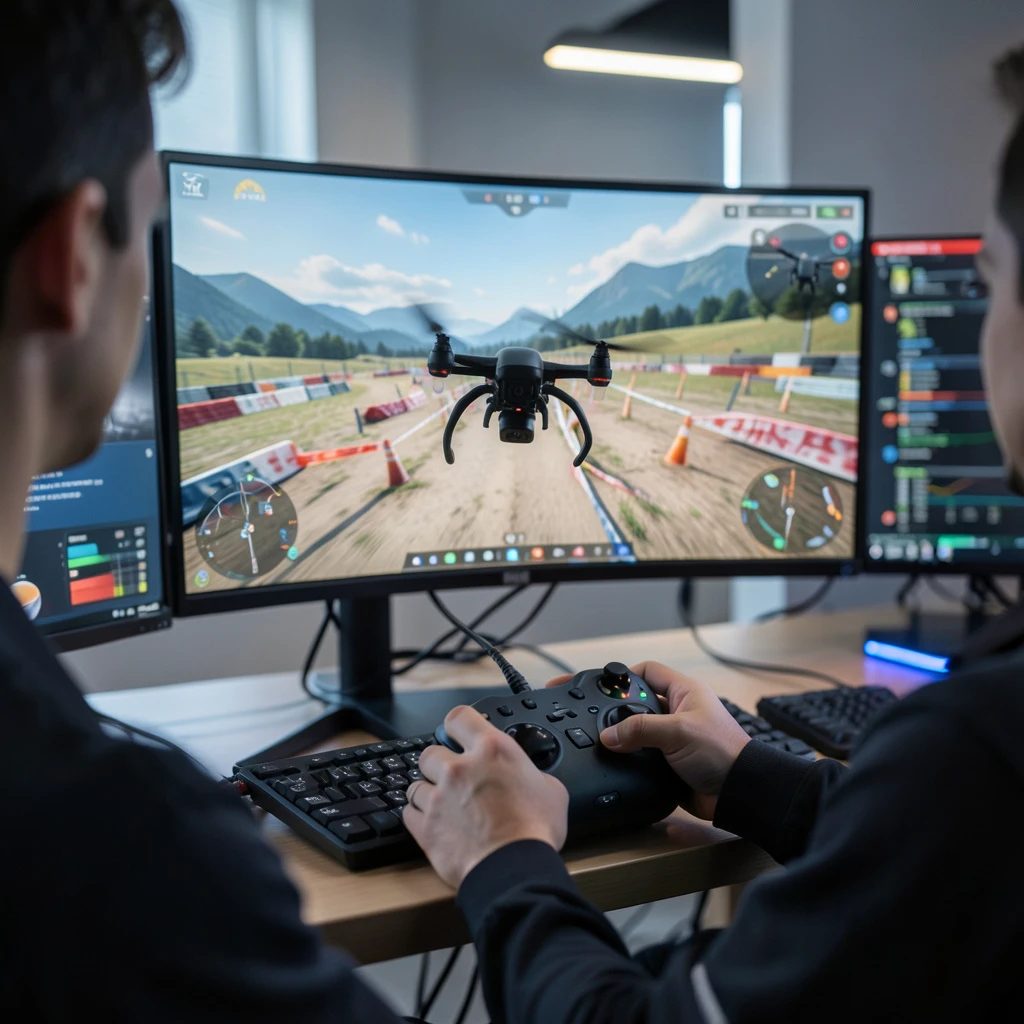
Exercise 10. Flying Through Obstacles (Obstacle Course)
The final stage of basic training is flying in confined spaces.
How to practice in the simulator:
1. In the UAVProf Drone Simulator, select a location with obstacles (e.g., "FPV Gym" or "Neon Tube").
2. Fly through gates, under bridges, or between buildings.
3. Start at a slow speed, focusing on accuracy.
4. Gradually increase the speed and complexity of the route.
Summary Table of Exercises
| # | Exercise | Core Skill | Recommended Simulator Location |
|---|---|---|---|
| 1 | Takeoff and Hovering | Throttle Control | Basic Maneuvers. Takeoff and Landing |
| 2 | Smooth Landing | Descent Control | Basic Maneuvers. Takeoff and Landing |
| 3 | Forward and Backward Movement | Pitch Control | Basic Maneuvers. Pitch |
| 4 | Left and Right Movement | Roll Control | Basic Maneuvers. Roll and Yaw |
| 5 | Rotation Around Its Axis | Yaw Control | Basic Maneuvers. Roll and Yaw |
| 6 | Square with Nose Rotation | Pitch + Yaw | Basic Maneuvers. Master the Basics |
| 7 | Figure-8 Flight | Roll + Yaw | Countryside / Agricultural Site |
| 8 | Circling an Object | Roll + Yaw (Point of Interest) | Construction Site / City Block |
| 9 | Nose-in Hovering | Spatial Orientation | Any open location |
| 10 | Flying Through Obstacles | Precision and Reaction | FPV Gym / Neon Tube |
Conclusion
Mastering these 10 basic exercises in the UAVProf Drone Simulator will create a solid foundation for your career as a UAV operator. Regular practice in the simulator not only saves money on repairing real drones but also allows you to make your control automatic. Only after you can perform all these maneuvers confidently and without errors in a virtual environment should you move on to flying real equipment.